Early-stage planning is where the biggest decisions are made—but it's also where teams are often the most constrained by time, tools, and incomplete data. Iterating on parking layouts, adjusting unit mixes, or understanding how grading impacts a site can quickly become a slow, manual process.
This latest update is designed to remove those bottlenecks. With more control over parking and unit configuration, along with real-time insights into grading and buildable area, you can explore more scenarios, make faster decisions, and move forward with greater clarity.
Parking Space Type & Flexible Editing
Flexible Parking Control

• Add or remove parking spaces directly from the driveway using + Add Parking / – Remove Parking
• Parking spaces can now be edited at the individual unit level
• Supports partial activation, allowing selective placement within a driveway
Parking Type & Size Setup
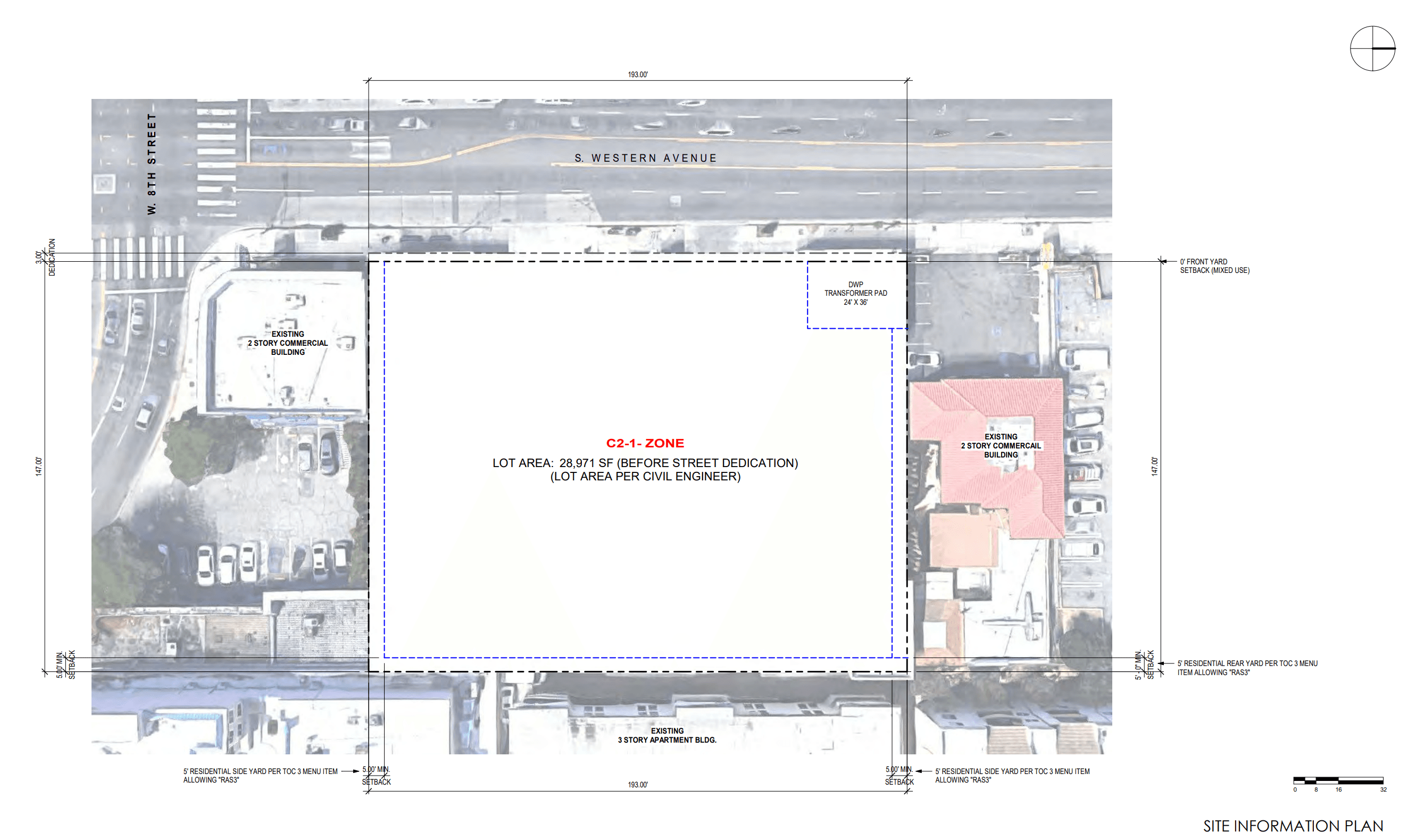
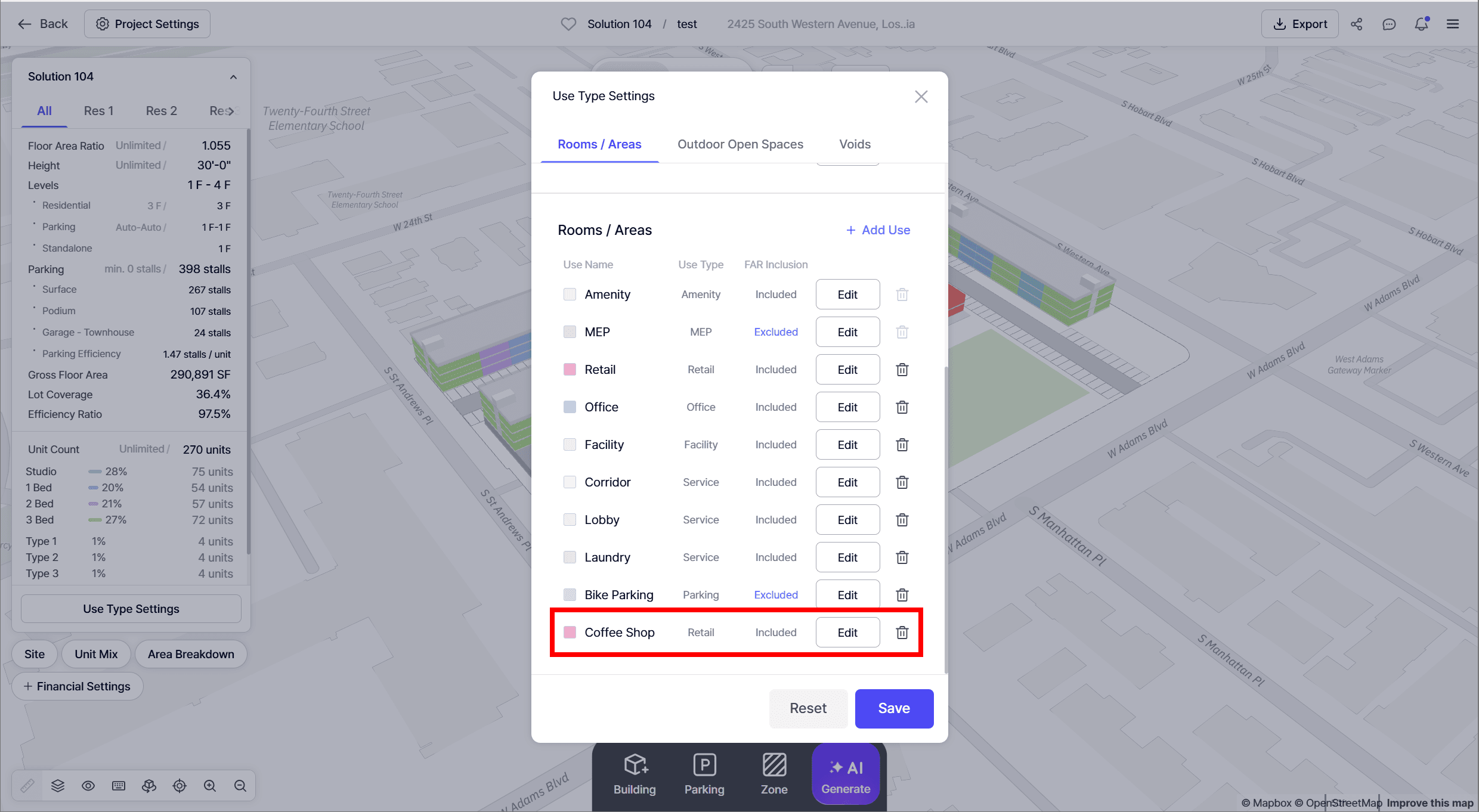
• Create and manage custom Parking Space Types (e.g., Compact, ADA, EV)
• Apply or update types at three levels:
◦ Entire parking lot / structure
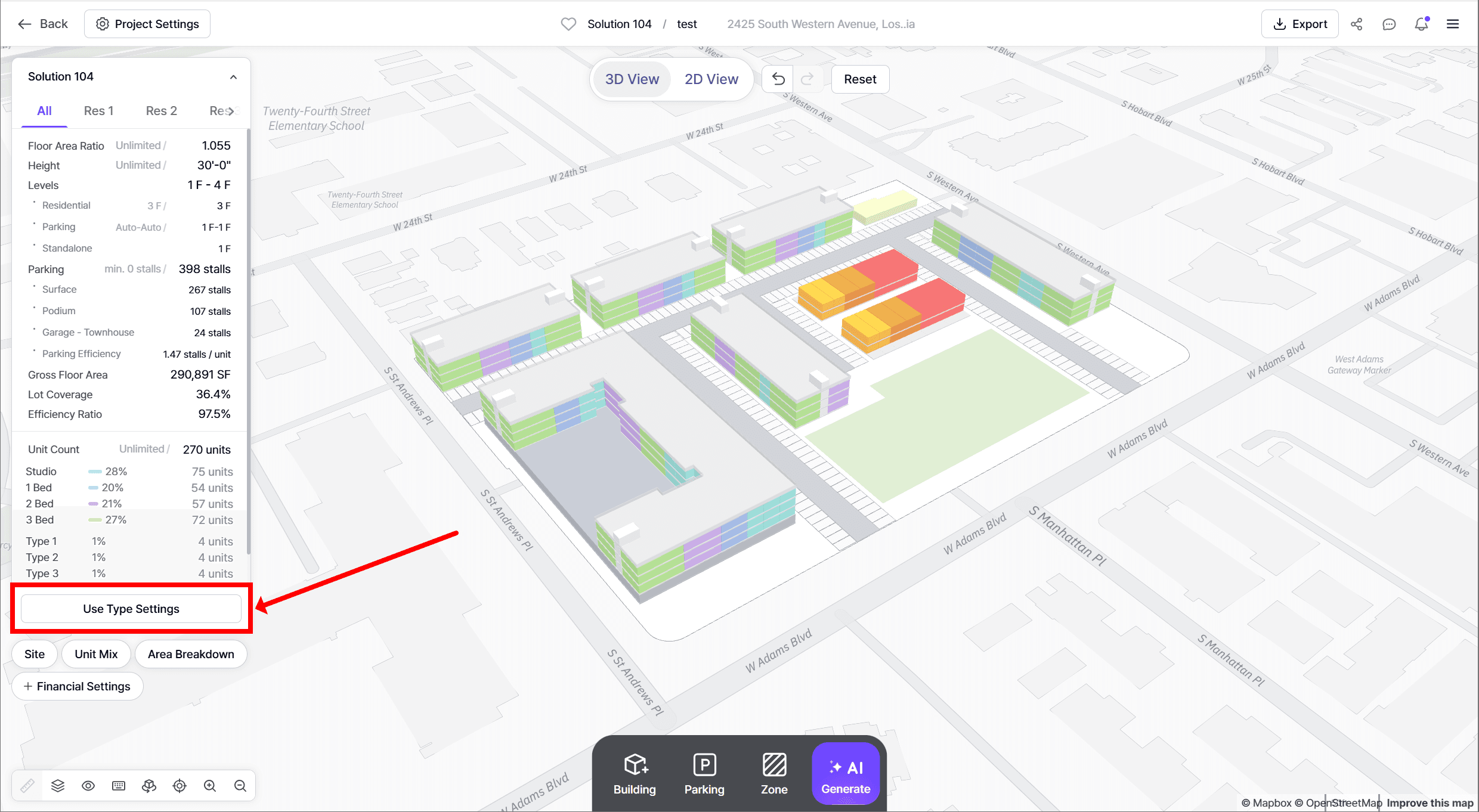
◦ Individual driveway
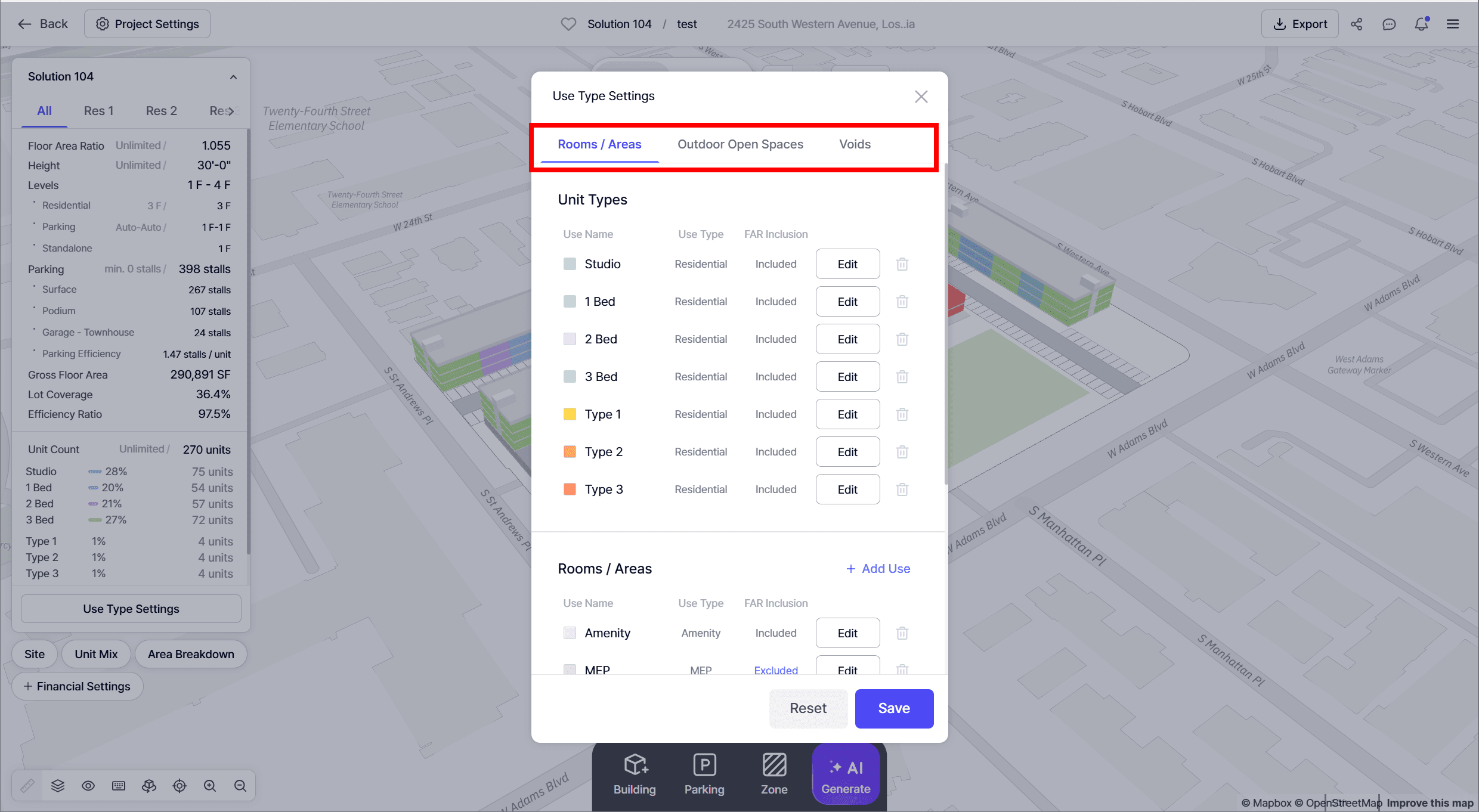
◦ Individual parking space
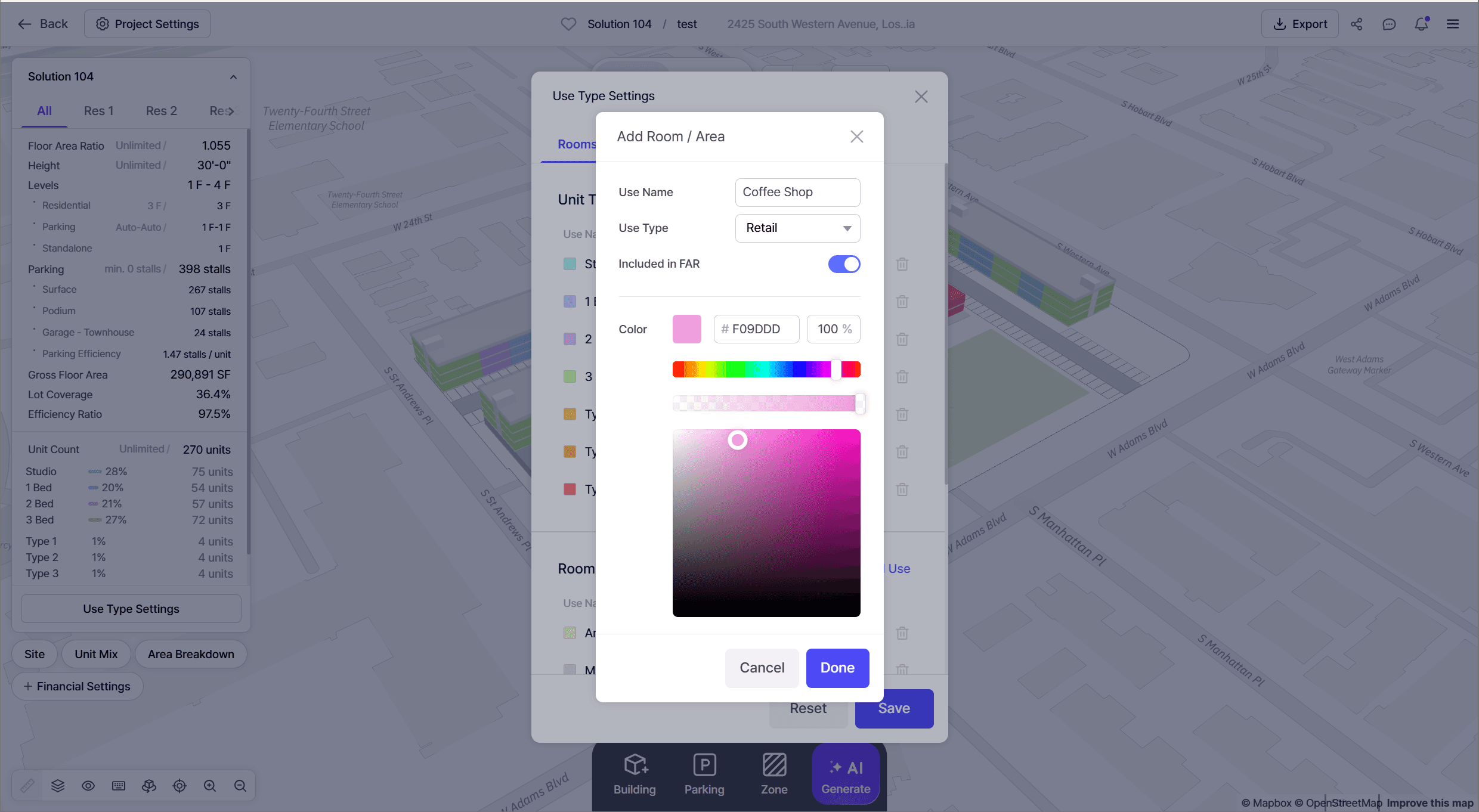
• Removing a type resets it to Standard Parking with fully editable size
• Type-based counts are automatically aggregated in:
◦ Solution Detail
◦ PDF reports
◦ Excel exports
Additional Parking Controls
• Parking Angle
◦ Adjust angle per edge of each driveway (e.g., 90°, 60°, 45°)
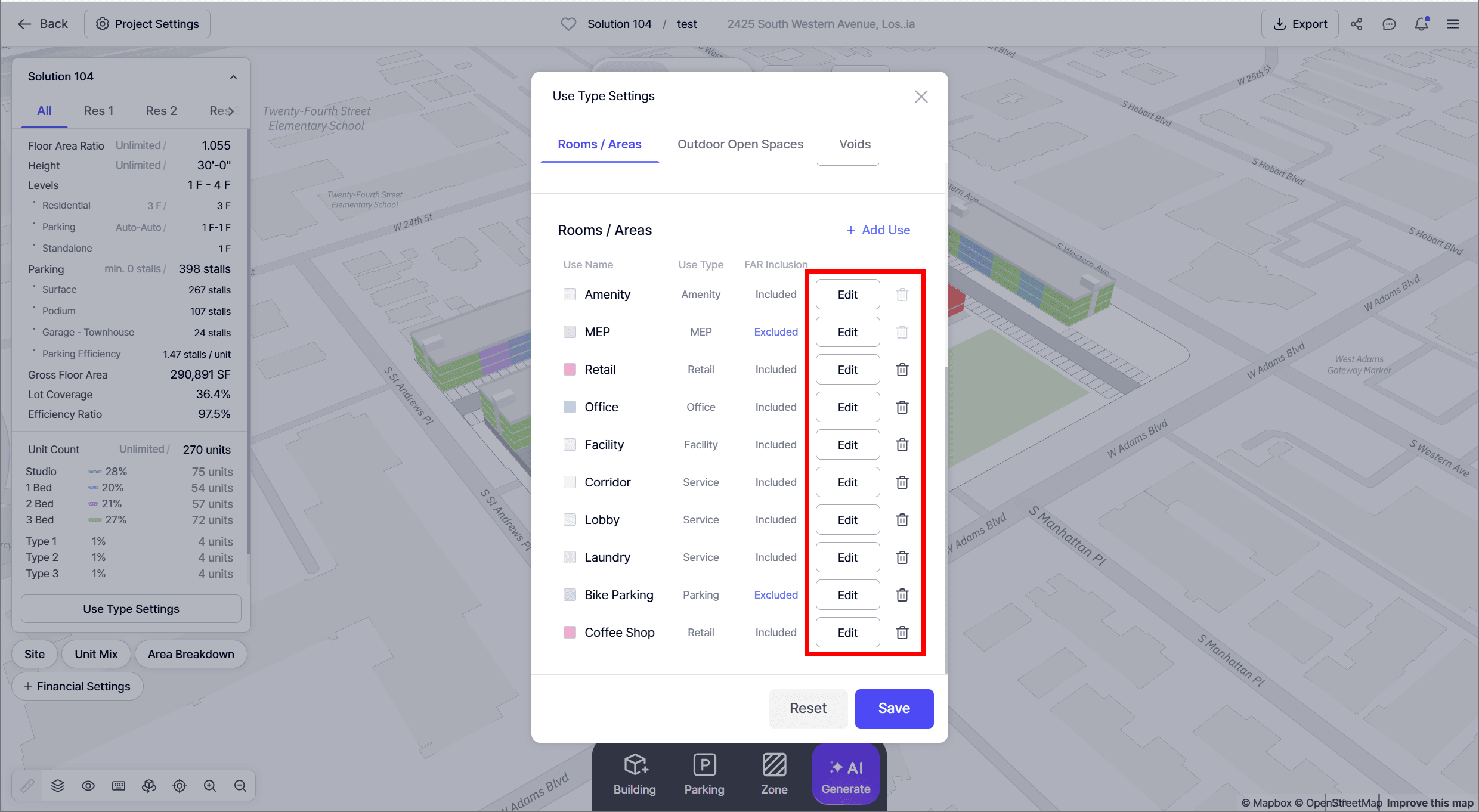
• Alignment (Placement Start Point)
◦ Use the Align option in the floating toolbar
◦ Choose whether parking starts from the left or right edge
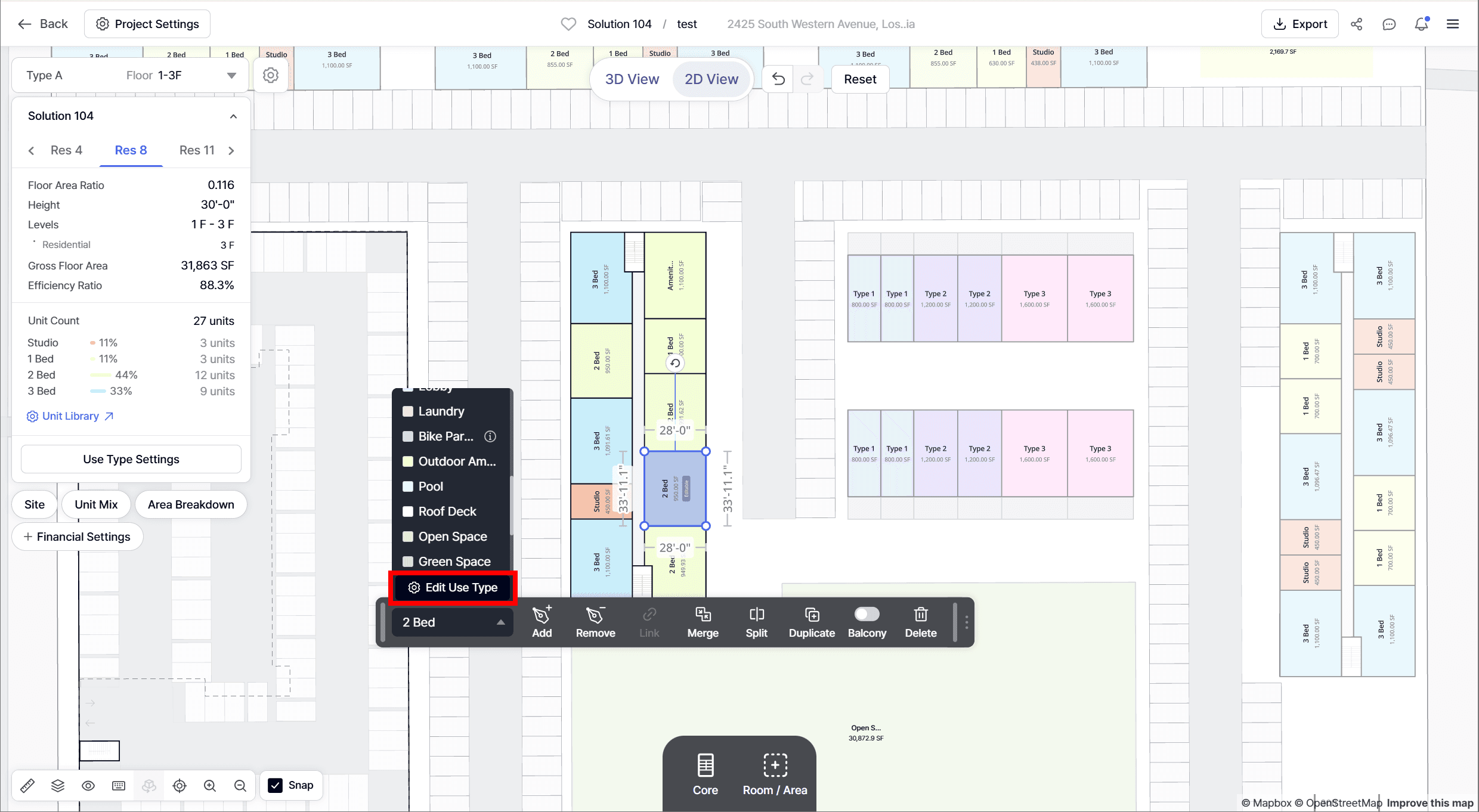
• Pathway & Column Buffer
◦ Fully editable elements
◦ Adjust position and color
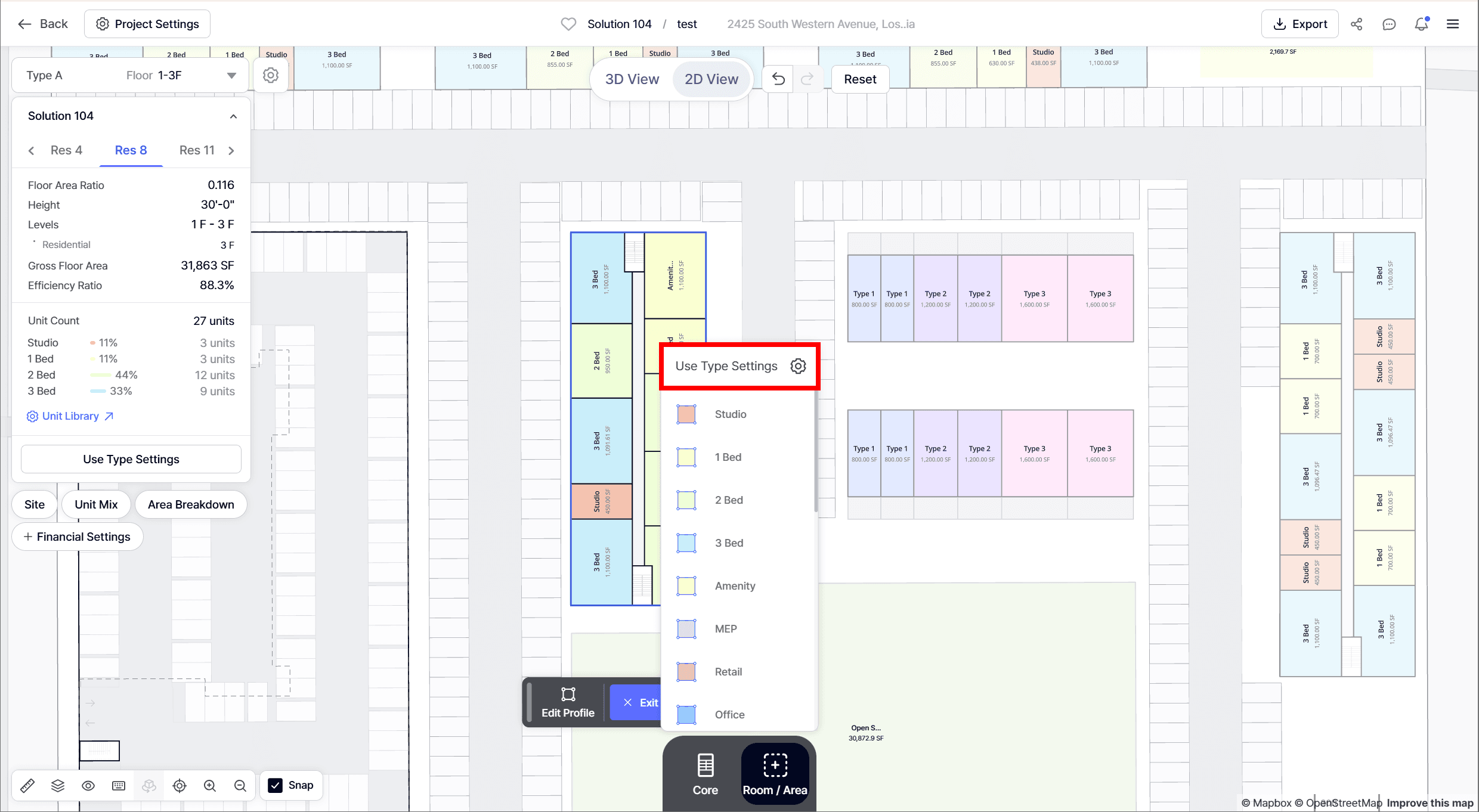
Walkup Building Unit Types
Flexible Unit Composition
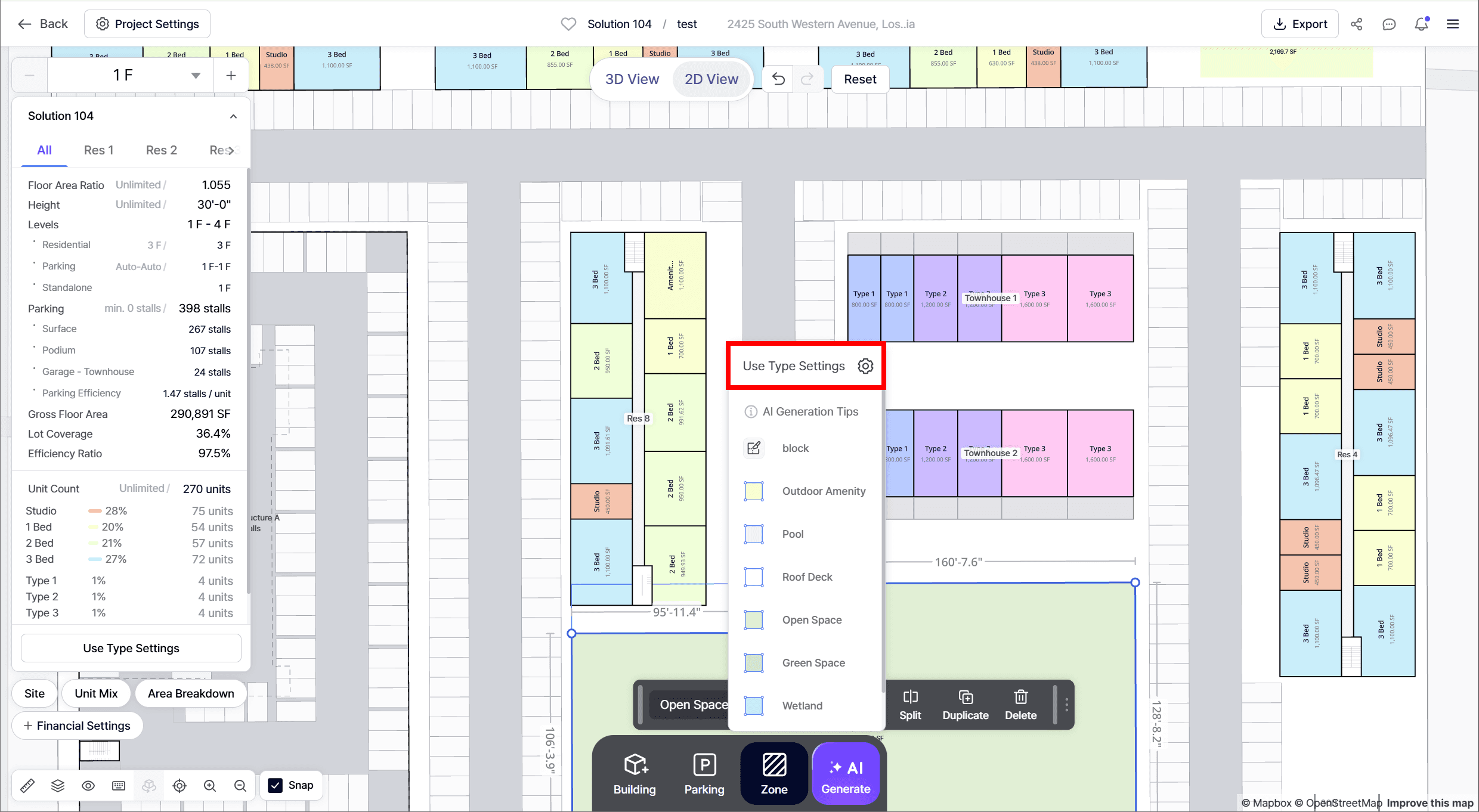
• Add unit types using Add Unit after selecting a building
• No fixed unit types, fully flexible unit configuration
End Unit Control
.gif)
• Use Fix as End Unit to lock unit types at building edges
• Useful for corner units or premium unit placement
Integration with Unit Library
.gif)
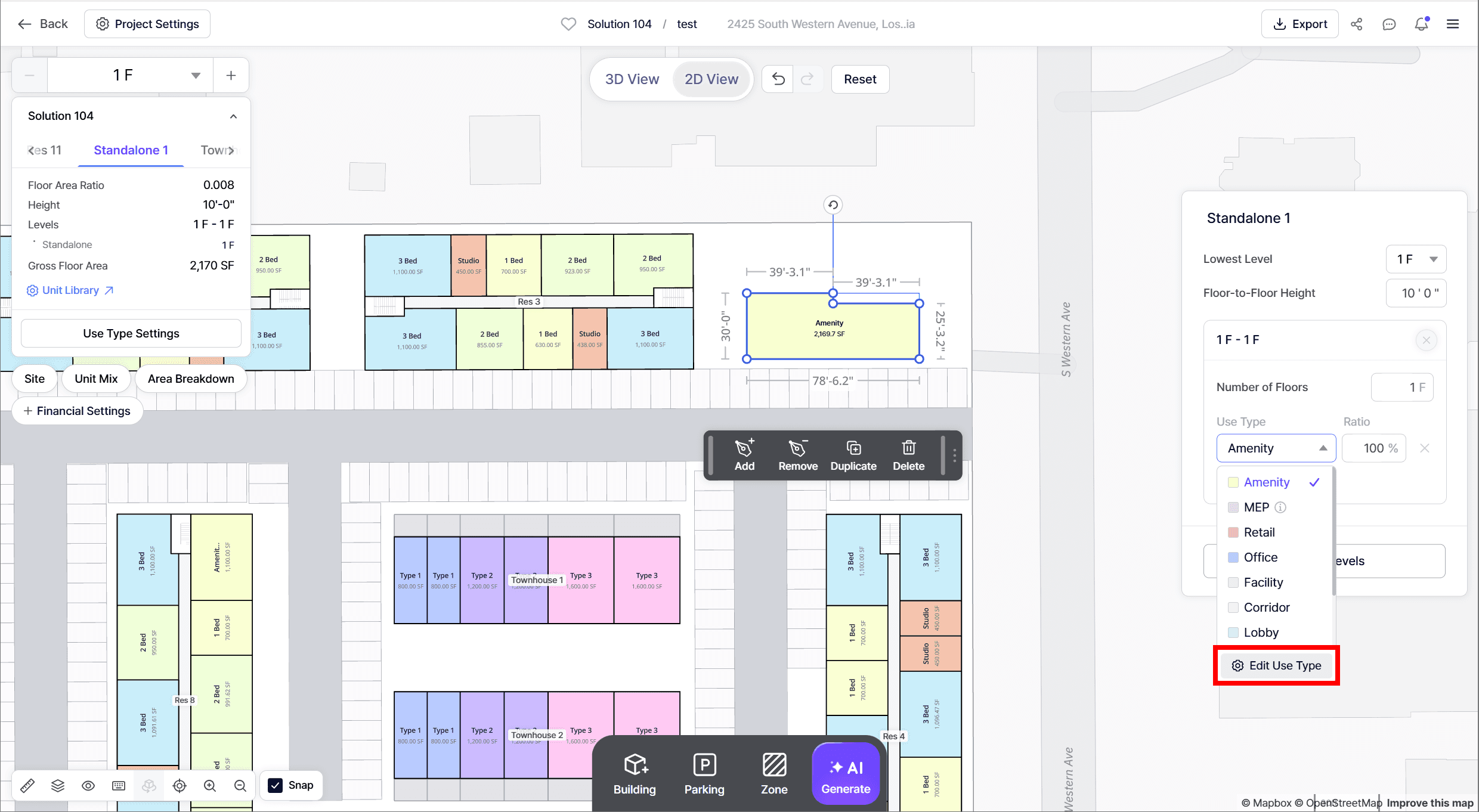
• Use Typical Units from the Unit Library
• Combine predefined units with custom units in the same building
Cut / Fill Data (Site Grading)
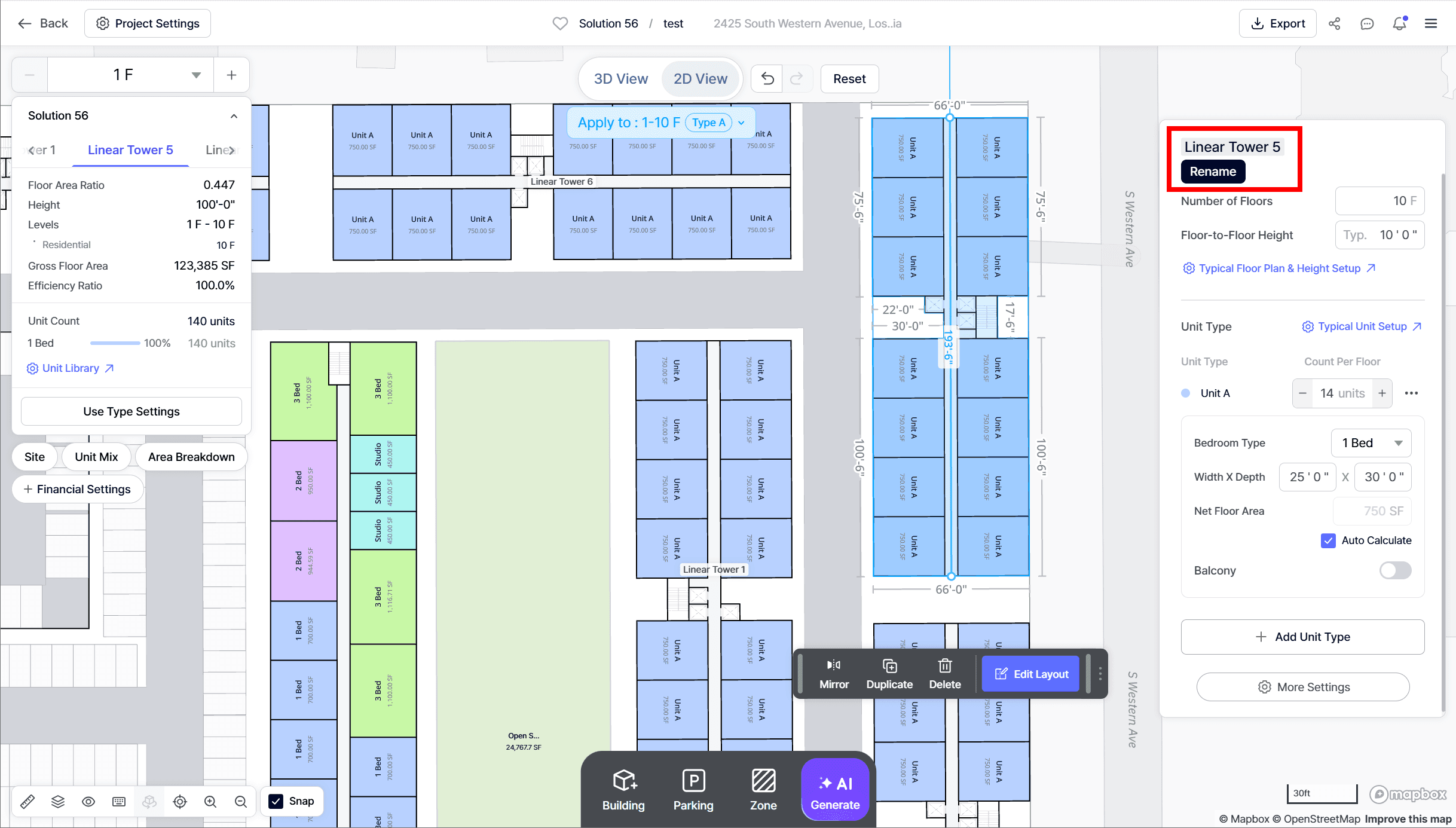
What's Included
• Cut Volume
• Fill Volume
• Net Export / Import
• Data updates dynamically when grading conditions change
Where to Find
• Solution Detail tab → bottom section
• Included in:
◦ PDF reports
◦ Excel exports
Buildable Area & Setback Area
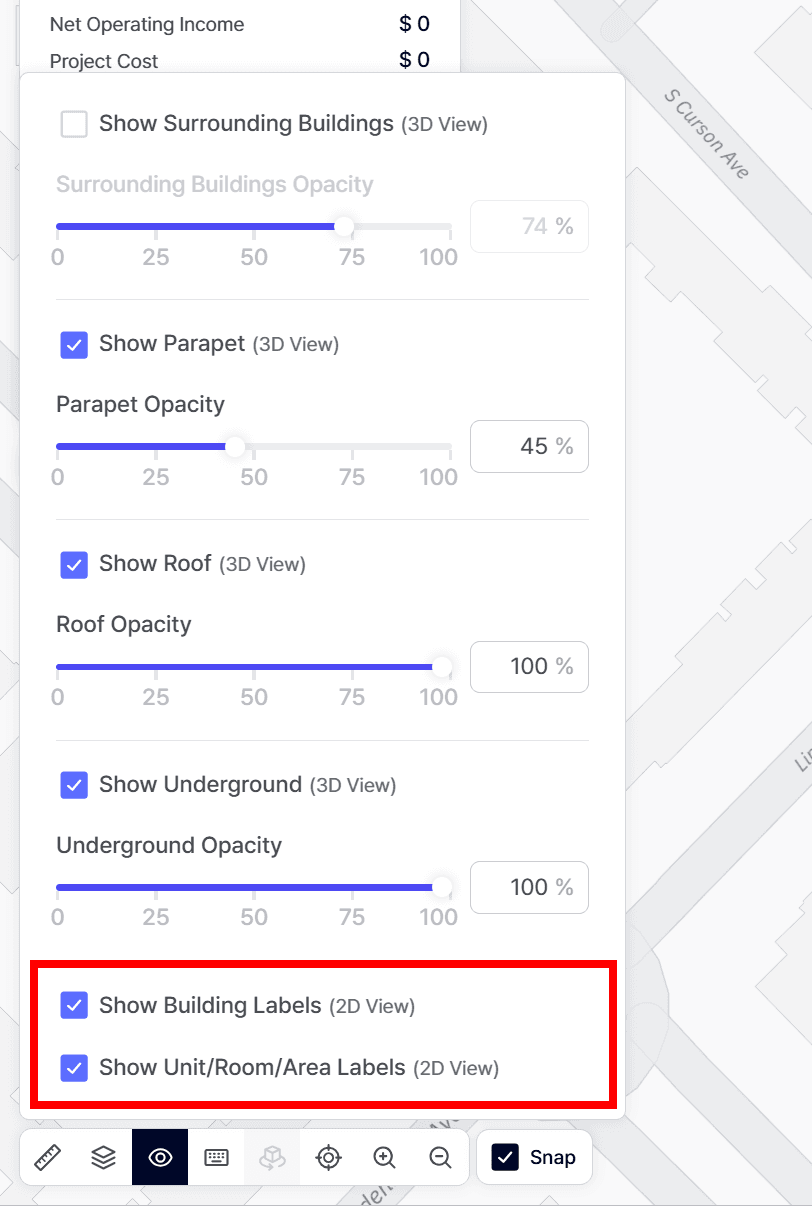
What's Included
• Setback Area
• Buildable Area
• Buildable area updates in real time when setback values change
Where to Find
• Automatically calculated when setback is applied
• Available in:
◦ Project Setup - Setback
◦ Solution Detail tab
◦ PDF reports
◦ Excel exports
🎁 Feedback: If you encounter any errors while using our product, or have any questions/feedback feel free to email us at product@zenerate.ai
Explore What Zenerate Can Do
If you would like to discuss how Zenerate could support your feasibility or land development workflow, book a demo below to start the conversation.