At Zenerate, our goal has always been simple: help architects and developers design without delay.
This month's updates focus on giving you more precision, flexibility, and control right inside the workspace—from setting Project North to fine-tuning corridors, podiums, and floor ranges.
Whether you're adjusting site orientation, refining your residential layouts, or exploring new AI-generated forms, these updates make every step faster and more intuitive.
Here's what's new this month 👇
🧭 Project North Setting
Do you know about Project North?
In floor plans, architects usually prefer to view the plan upright rather than skewed. That's why Project North is used when a building isn't aligned with True North 🌍.
Now, you can easily set and control your project's orientation directly within the workspace:
• Click on the compass icon inside the workspace.
.png&w=3840&q=75)
• Draw a line to set Project North — the screen view will rotate accordingly.
.gif)
• Click Done to apply the setting to your workspace.
• Project North will remain consistent across all views and exports (PDF, CAD).
🏢 Residential Building — Floor Range Input
You can now freely define your building's starting height with the new Minimum Floor Setting for Residential, Tower, and Linear Tower types.
Be creative — shape your building configurations with more flexibly!
.png&w=3840&q=75)
.png&w=3840&q=75)
✏️ Corridor Editing
You now have full control over Corridor Editing — including Split, Merge, Delete, and Modify functions.
Simply click on a corridor and select "Make Editable" from the floating menu bar to start editing.
.png&w=3840&q=75)
.png&w=3840&q=75)
🚗 Podium Core Editing
You can now add, move, and delete cores directly within Podium buildings.
Easily adjust core positions to optimize your podium or parking floor layouts.
.png&w=3840&q=75)
📍 Enhanced Site Address Search
We've integrated Google Maps to provide faster and more accurate site address lookup, finding your project site is much more easier.
.png&w=3840&q=75)
🤖 Enhanced Generation Engine
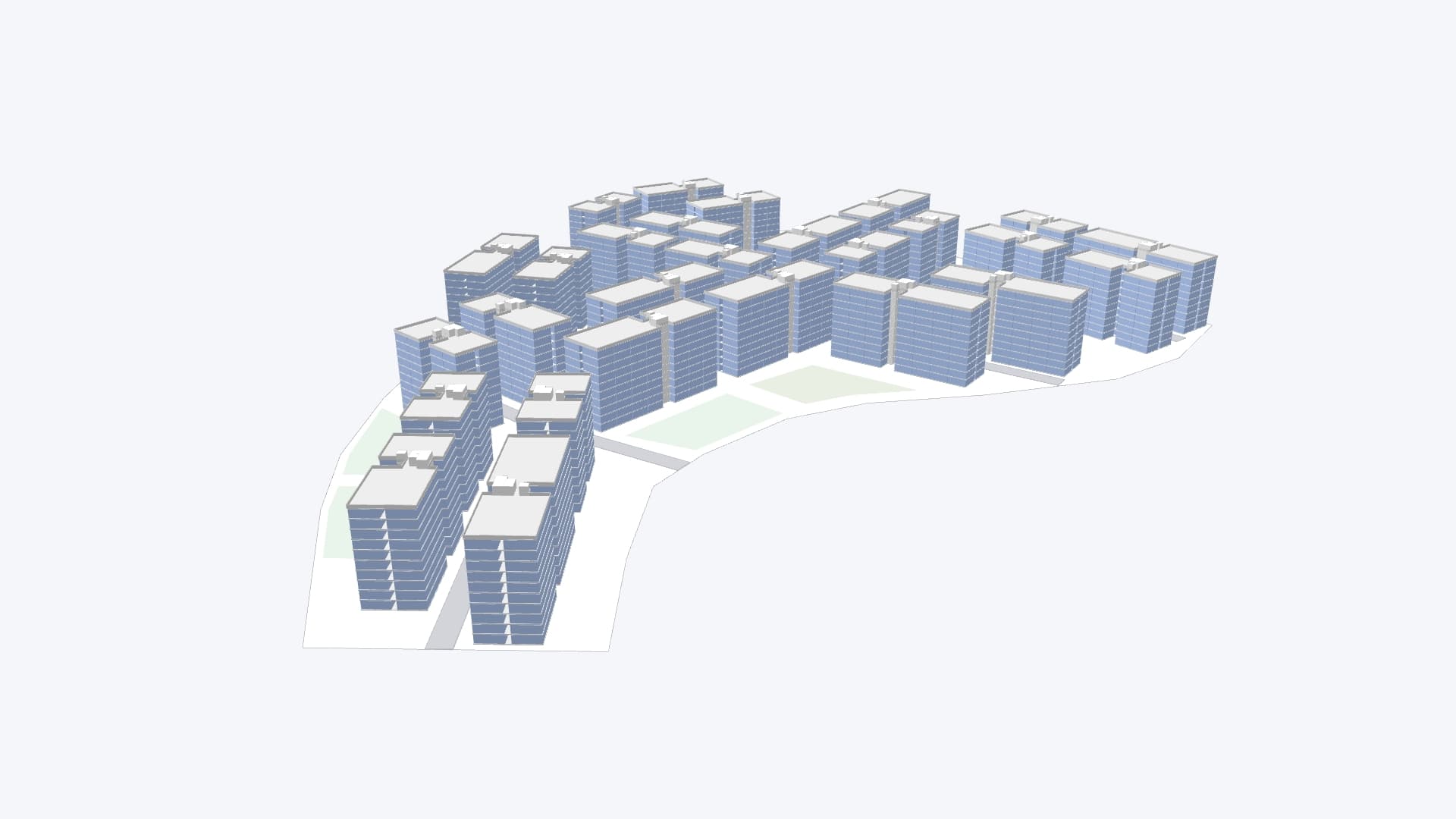
Our AI Engine for Linear Tower, Walk-Up, Townhouse, and Single-Family projects has been upgraded to deliver more diverse and realistic design outcomes.
Here's what's improved:
• Better Building Alignment → Buildings are now placed with improved consistency and spacing.
• Buildings now align better with main roads, for better site planning and representation.
• Improved logic allows denser and more efficient site coverage, especially for irregular sites, achieving higher yield within the given separation distances.

• More Diverse, Better Orientations → Building directions are varied to create more efficient and natural layouts.
• Added logic to generate non-linear main roads for larger lots, leading to more organic layouts.
• Enhanced placement logic for Linear Tower, Garden, and Walk-Up types — buildings can now be oriented perpendicular to roads (not just parallel), offering more diverse and realistic design options.
🎁 Feedback
If you encounter any errors while using our product, or have any questions/feedback feel free to email us at product@zenerate.ai
Explore What Zenerate Can Do
Ready to accelerate your feasibility studies? Book a demo with us today and get a free trial to see how fast site planning can be done.
Book a demo + Get a Free Trial