Zenerate makes it easy for architects, real estate developers, and contractors to go through multiple solutions by offering Sort and Filter features. Here's a quick guide on how to use them to save time and focus on the most relevant solutions.
Sort
Zenerate allows you to sort project solutions by both design metrics and financial performance, giving development teams the flexibility to prioritize what matters most.
General Sorting
• Newest
• Oldest
• Last Modified
• Highest Density – Sort by the highest number of residential units.
• Highest FAR (Floor Area Ratio)
• Highest Stories – Sort by the highest number of floors.
• Highest GFA (Gross Floor Area)

If financial settings are configured, user will see additional sorting options based on the type of financial analysis selected as listed below:
Net Operating Income & Construction Cost
• Highest NOI
• Lowest Construction Cost
• Lowest Cost Per Unit

Yield On Cost & Profit Margin
• Highest NOI – Sort by the highest net operating income
• Lowest Project Cost
• Highest Yield on Cost
• Highest Sales Value
• Highest Profit
• Highest Margin

Residual Value
• Highest NOI – Sort by the highest net operating income
• Lowest Project Cost
• Highest Residual Land Value – Sort by the most valuable land after development
• Highest Projected Value
Filter
Use filters to quickly narrow down your results based on specific design or team-related criteria.
Like
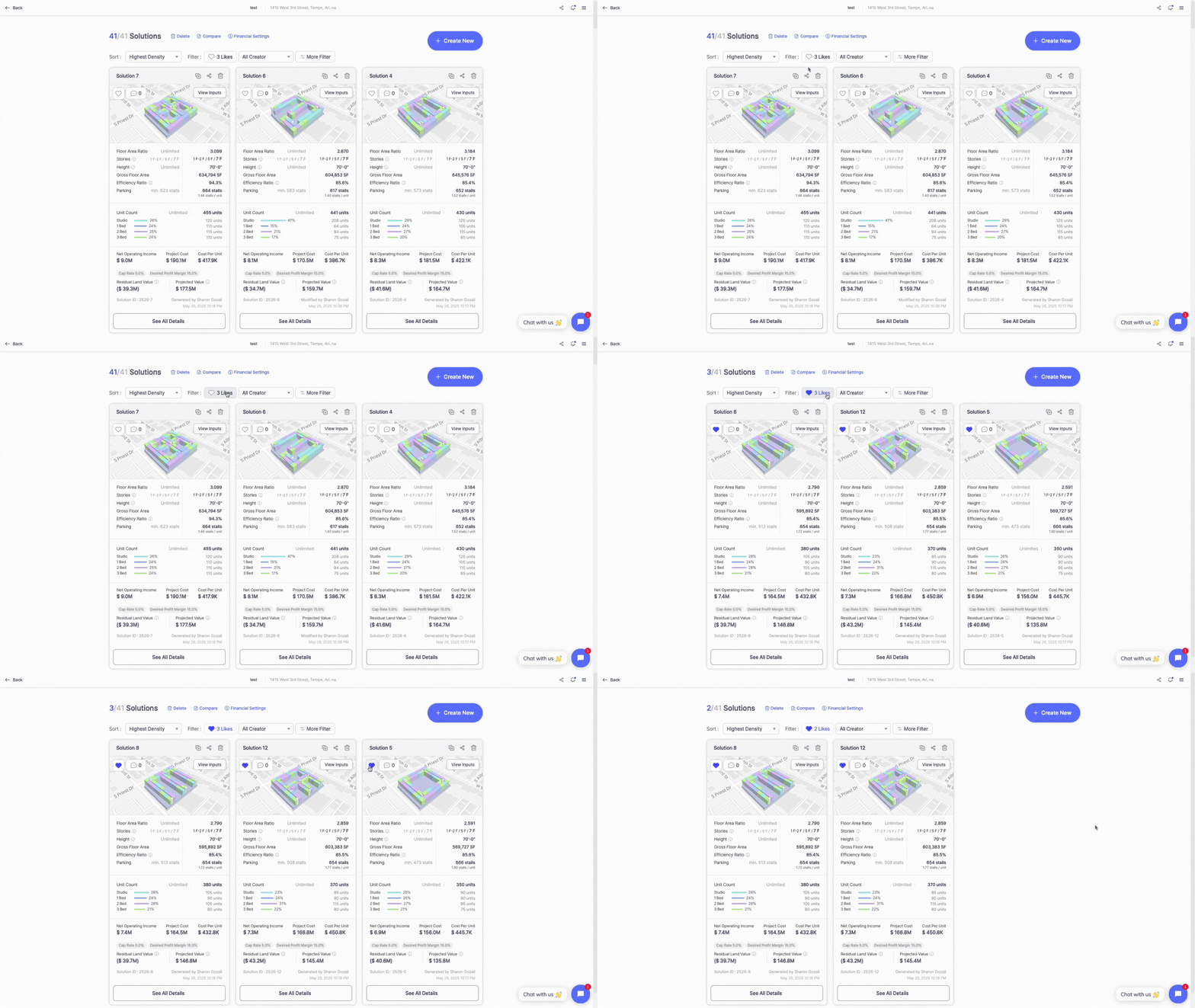
When clicked, this filter displays only the solutions that are tagged as "Liked" by the user — ideal for shortlisting preferred building layouts or design concepts during early-stage evaluations.
Creator
Allows users to display only the solutions created by a specific team member. If a project has three or more creators, users can select multiple creators to view only the solutions created by those selected individuals.

More Filter
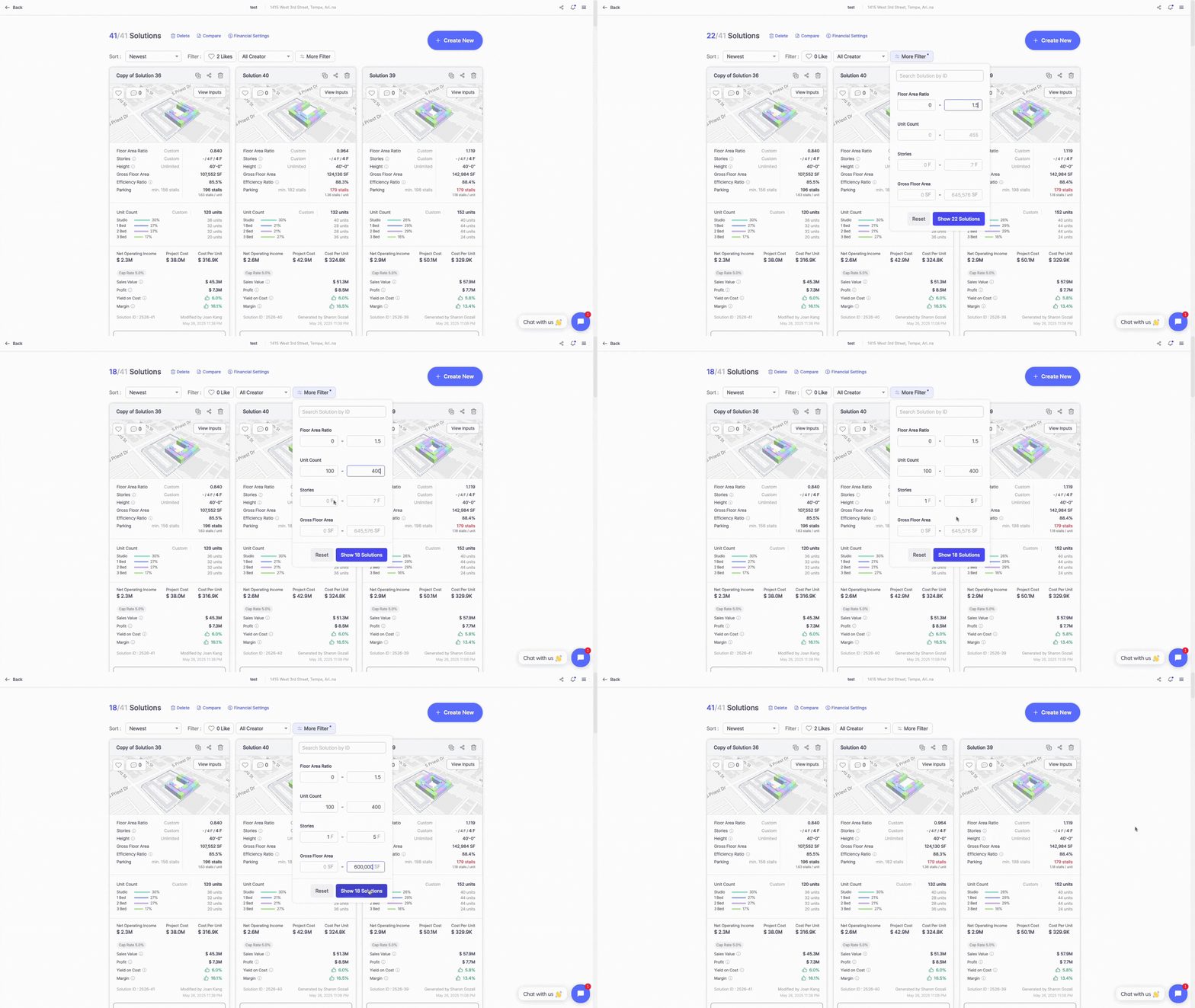
The More Filter feature enables users to refine their feasibility study results by inputting key building and site parameters:
• Search by Solution ID – Allows users to locate a specific solution by entering its unique project ID.

• Floor Area Ratio (FAR) – Enables filtering of solutions based on a targeted FAR range, supporting land use optimization.
• Unit Count – Lets users input a minimum and maximum unit count to match housing density goals.
• Stories – Allows filtering based on the number of floors in the proposed building.
• Gross Floor Area (GFA) – Lets users set the desired GFA range to align with zoning or project size constraints.
Users can click the Reset button to clear all inputs and hit Show Solutions to apply the active filters.
Explore What Zenerate Can Do
Ready to accelerate your feasibility studies? Book a demo with us today and get a free trial to see how fast site planning can be done.
Book a demo + Get a Free Trial