After finalizing your feasibility study in Zenerate, you can easily export your building design in four widely used formats: PDF, Excel, CAD, and Revit. These formats enable seamless collaboration between architects, real estate developers, brokers, and general contractors, ensuring your project data is accessible for design review, financial analysis, and further development.
How To Export
To export your project, follow these steps:
1. Choose the solution you want to export
2. Click the Export button in the top-right corner
3. Select your preferred file format: PDF, Excel, CAD, or Revit
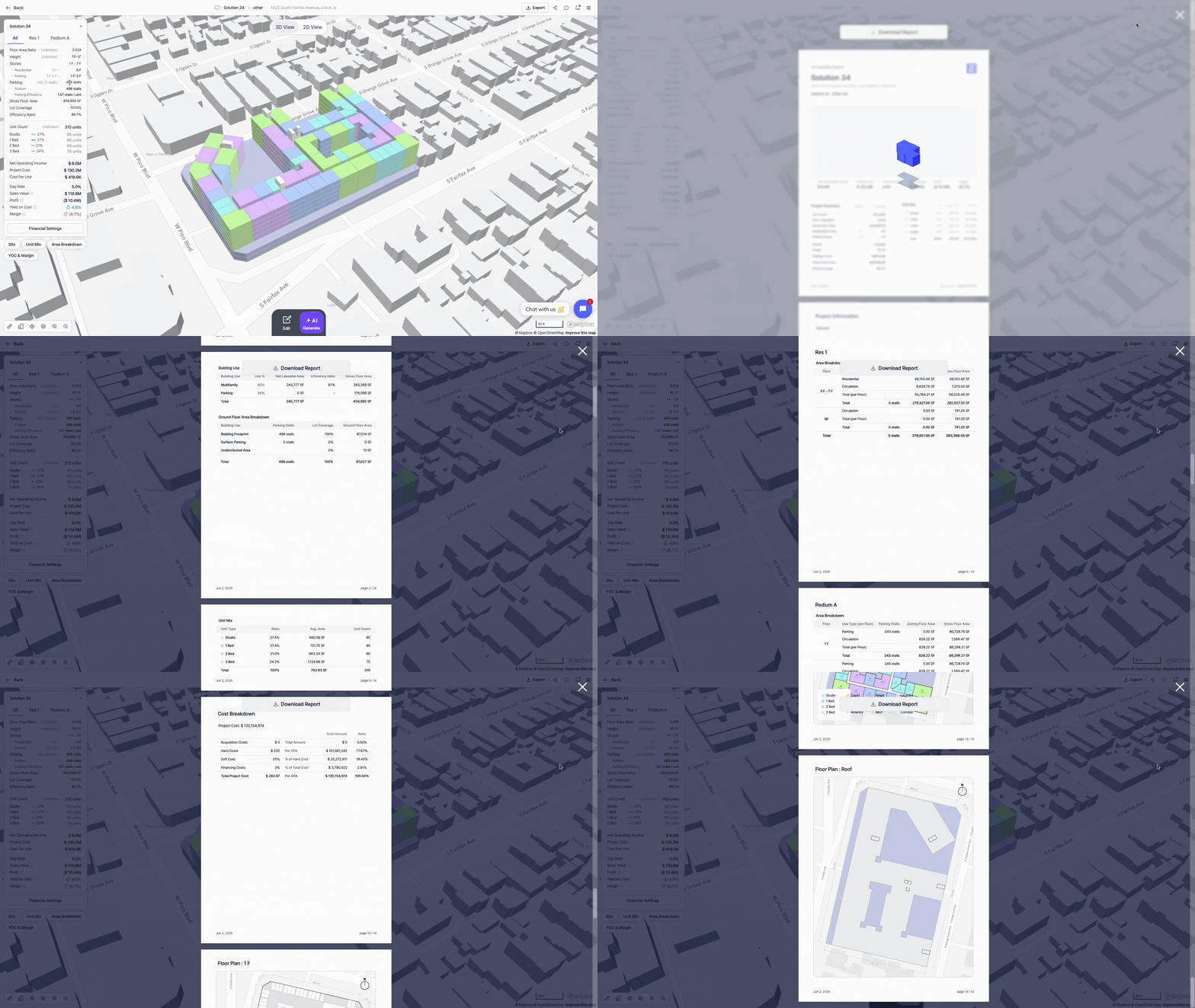
Exporting to PDF provides a professional, shareable summary of your feasibility study. This format includes:
Project Summary
• 3D rendering of your design
• Target vs. actual unit count, FAR (Floor Area Ratio), and Gross Floor Area (GFA)
• Breakdown of the unit mix composition
Project Information
• Area breakdown by use
• Efficiency ratios and zoning compliance
• Required vs. provided parking counts, building area, and unit coverage
Financial Breakdown
In the Financial Breakdown section, users can view a detailed analysis of their project's financial performance, tailored to the specific assumptions and settings they've configured. This section provides:
• Net Operating Income (NOI)
• Project cost and/or construction cost estimates
• Yield on cost, residual value, profit, and other key financial metrics (based on input parameters)
The information provided will differ based on the financial setting option that the user chose.
Floor Plans
• The floor plans to support design decisions and stakeholder discussions
Once reviewed, click Download to save the PDF report directly to your desktop.
Excel
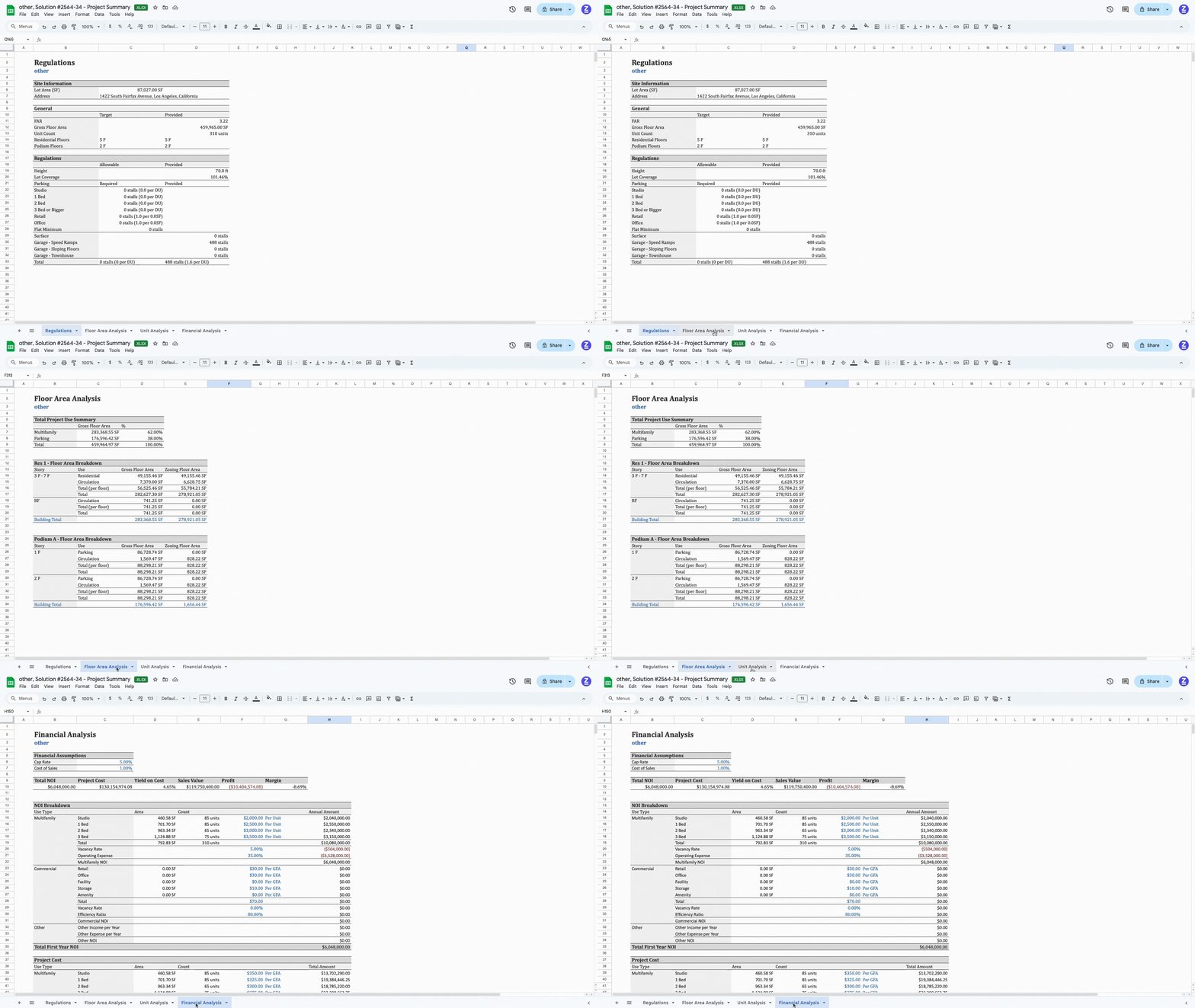
The Excel format is ideal for detailed data analysis and compliance review. The downloaded file includes four key tabs:
1. Regulations
• Lot area and project address
• Target vs. actual metrics for FAR, GFA, unit count, and residential floors
• Allowable vs. actual height, lot coverage, and parking
2. Floor Area Breakdown
• GFA breakdown by site use
• Area breakdown by building, zoning, and usage
3. Unit Mix Breakdown
• Unit mix, average square footage, and total areas
• Detailed unit-level breakdowns for GFA and zoning areas
4. Financial Data (if enabled)
• Projected NOI, yield on cost, sales value, and profit margins
• Cap rates, cost of sales, and detailed expense modeling
• Annual NOI per unit, accounting for vacancy and operating expenses
This format is especially useful for financial analysts, real estate brokers, and project managers who require structured data for spreadsheets and reports.
CAD
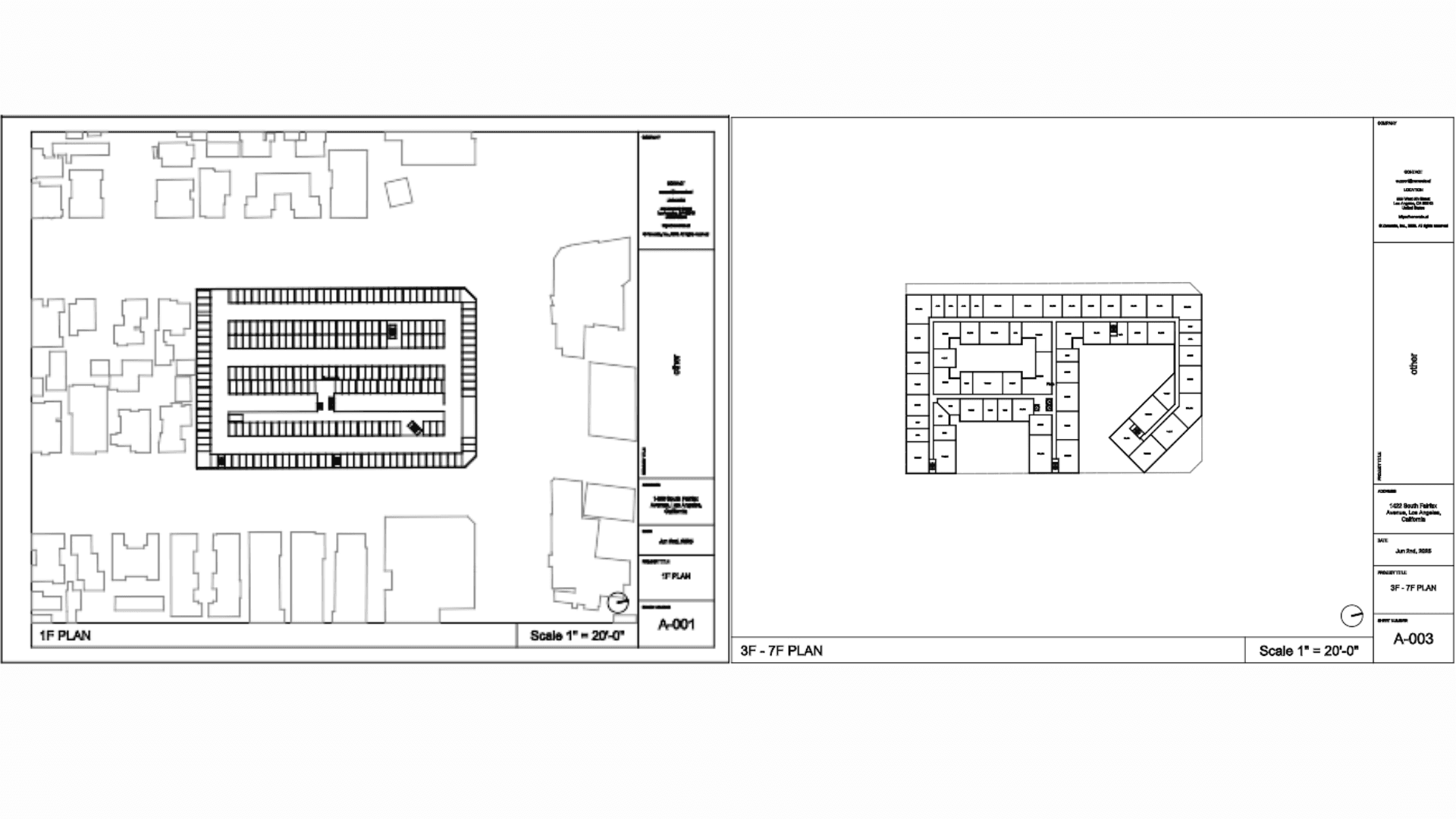
The CAD export provides a 2D DXF file of your architectural layout. Once downloaded:
• Open the file in AutoCAD or similar CAD software
• Access 2D floor plans for every level of the building
• Ideal for coordination with architectural teams, engineers, or permit applications
Revit
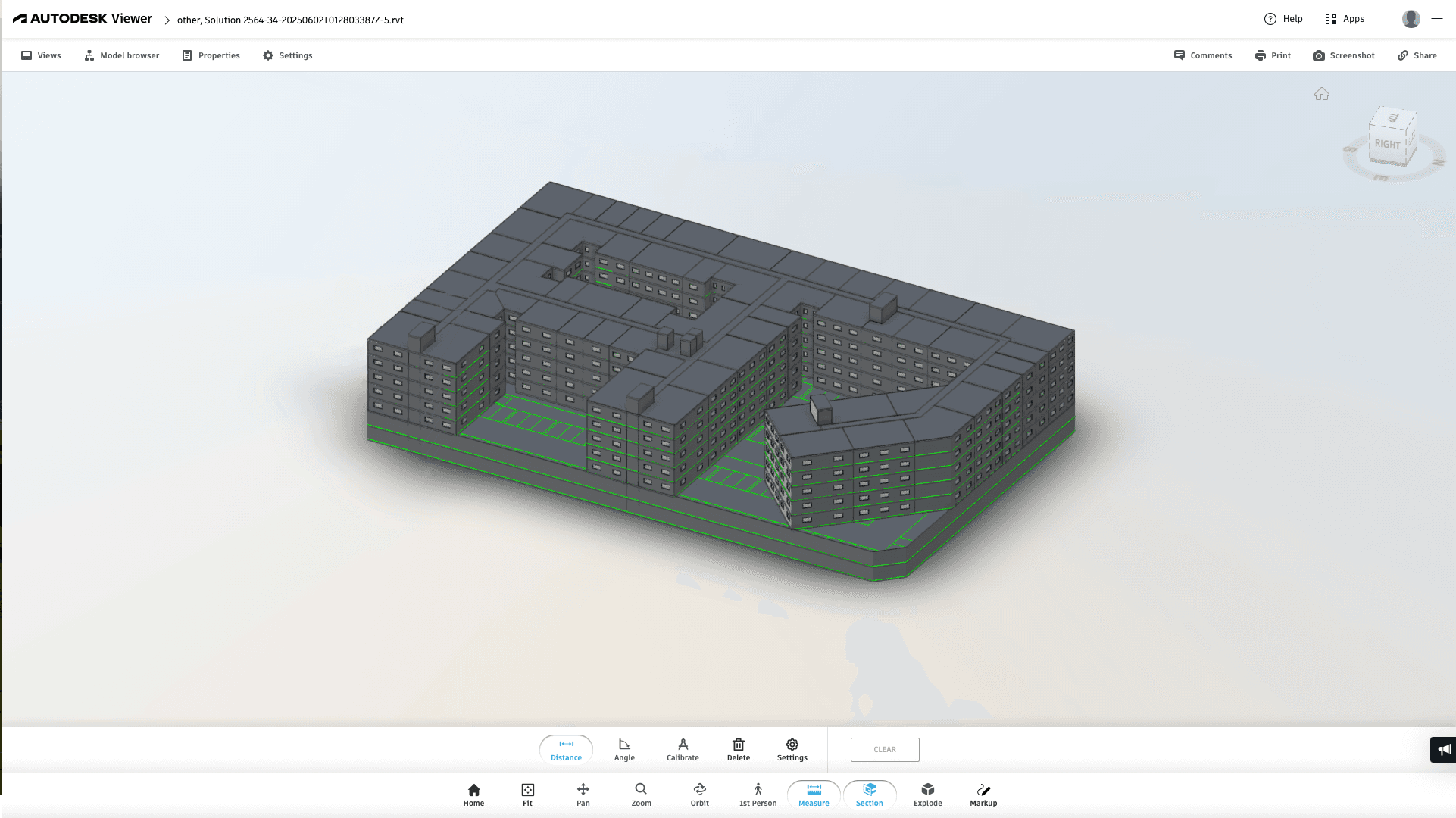
For detailed 3D modeling, Zenerate supports export in a Autodesk Revit file format:
• The file will be emailed to your registered email account
• Open in Revit to access a complete 3D model of your design
• Ideal for architects continuing into schematic design and design development phases
Explore What Zenerate Can Do
Ready to accelerate your feasibility studies? Book a demo with us today and get a free trial to see how fast site planning can be done.
Book a demo + Get a Free Trial